
Fake Email Generator for App Testing - A Practical Guide
A fake email generator is a useful tool for app testing, QA workflows, and staging environments. Developers and testers often need multiple email addresses to validate signup flows, verification emails, and onboarding logic without using real inboxes.
This guide explains how fake email generators work for app testing, when disposable inboxes are appropriate, and how to avoid common testing mistakes.
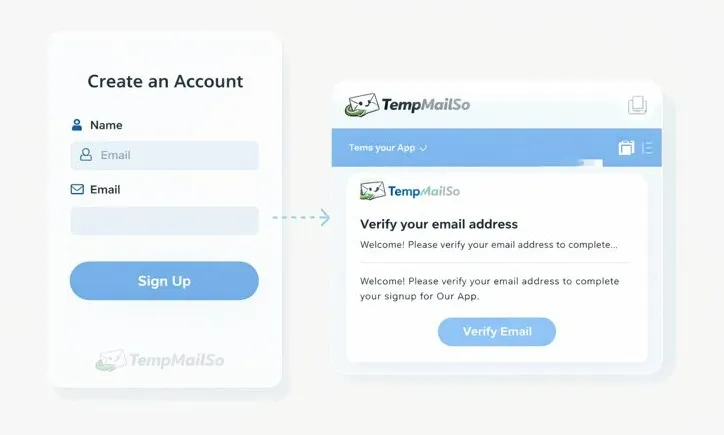
Why app testing needs fake email addresses
Modern applications rely heavily on email-based workflows. During development and QA, using real email accounts quickly becomes impractical.
Common testing scenarios include:
- User registration and onboarding
- Email verification links
- Password reset flows
- Notification and alert testing
Disposable inboxes allow teams to test these flows repeatedly without managing dozens of real email accounts.
How fake email generators work in testing
The temporary email workflow for app testing shows how to create an address, receive a test message, and switch to a new inbox when needed.
A fake email generator provides a temporary inbox that can receive emails instantly. Testers use the generated address during signup, then inspect incoming messages to verify content and behavior.
This workflow follows the same core idea as temporary email, but it is applied specifically to testing environments.
Common use cases in development and QA
Fake email generators are commonly used for:
- Manual QA testing
- Automated test scripts
- Staging and pre-production environments
- Regression testing after releases
They are especially helpful when combined with a burner email for online registration during repeated test cycles.
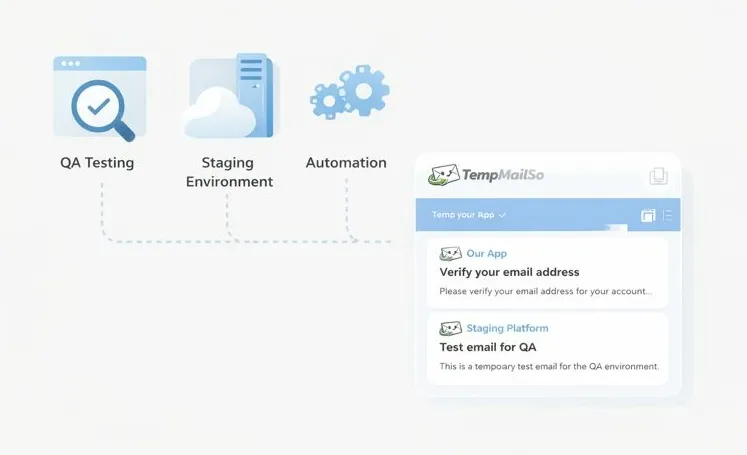
Testing email verification and OTP flows
Email verification and OTP messages are critical parts of many apps. A fake inbox allows testers to confirm that:
- Verification emails are sent correctly
- Links and codes are valid
- Email templates render as expected
For low-risk testing, this approach works well. However, sensitive production accounts should not rely on disposable inboxes. This distinction is also discussed when evaluating temporary inbox for OTP verification.
Inbox lifespan and testing reliability
Some test cases require delayed emails or follow-up messages. Very short-lived inboxes can expire before these messages arrive.
Longer lifespan disposable inboxes reduce test flakiness and allow teams to inspect messages over time. This difference is explained when comparing how long a temporary email lasts.
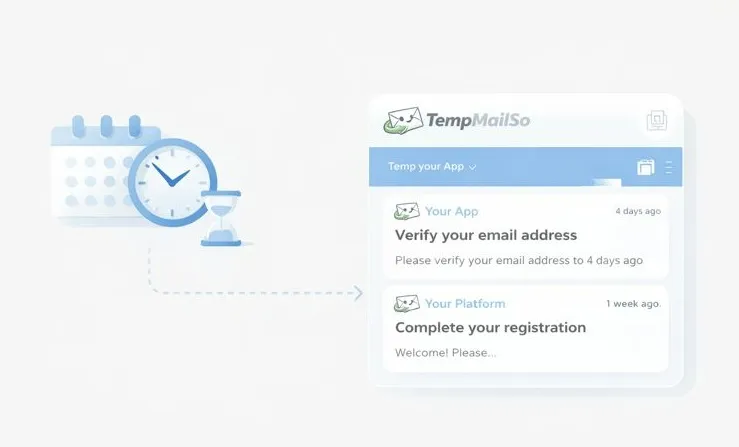
Reusing inboxes during test cycles
Inbox reuse can simplify testing when the same address needs to receive multiple messages across test runs.
On TempmailSo, inboxes can be reused, while all messages are deleted after 30 days. This provides short-term continuity without long-term data storage.
Testing across devices and environments
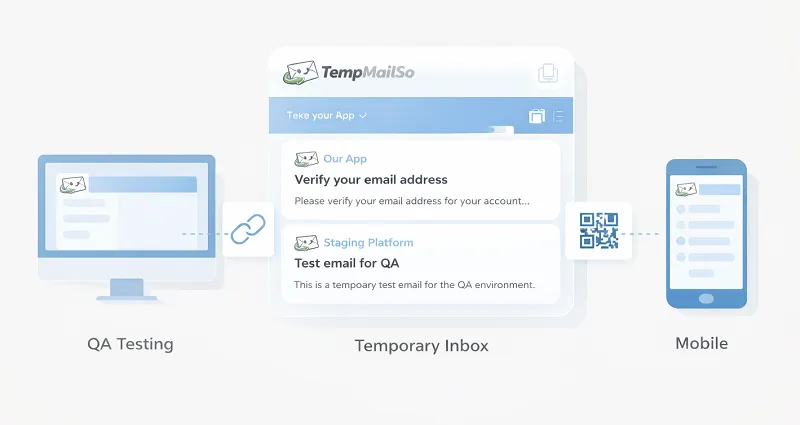
Some QA workflows involve testing on different devices or environments at the same time.
Inbox sharing via link or QR code allows the same test inbox to be opened on multiple devices. This is useful for cross-device testing, but it should only be used in controlled testing scenarios.
Limitations of fake email generators
Fake email generators are powerful testing tools, but they have limits.
- Not suitable for production user accounts
- Not designed for long-term email storage
- May be blocked by some platforms
They should be used strictly for development, testing, and low-risk scenarios.
Frequently asked questions
Can fake email generators be used in automated tests?
Yes. Many teams integrate disposable inboxes into automated QA workflows.
Are fake email generators safe for production?
No. Production accounts should always use real, secure email addresses.
Can inboxes be reused between test runs?
Often yes, but previous messages may be deleted depending on retention rules.
Conclusion
A fake email generator is a practical tool for app testing, QA, and staging environments. It simplifies account creation, email verification testing, and workflow validation.
When used responsibly, it improves testing efficiency without exposing real inboxes. Acceptable use and limitations are outlined in the Disclaimer.