
Temporary Inbox for OTP Verification - Safe Uses and Limits
A temporary inbox can sometimes be used for OTP verification, but only in specific situations. Many websites send one-time passwords by email to confirm signups, activate accounts, or verify access. Using disposable email can help protect your privacy, but it also comes with limits.
This article explains when a temporary inbox works for OTP verification, when it does not, and how to avoid common mistakes that could lock you out of an account.
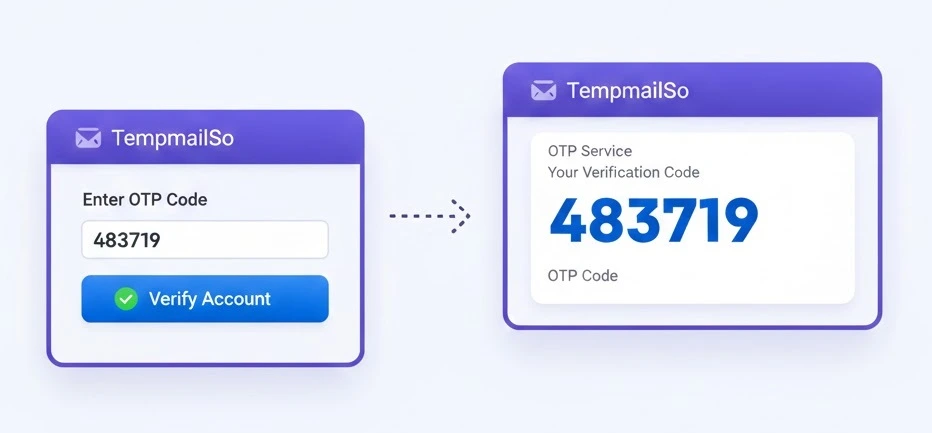
What is OTP verification?
OTP stands for one-time password. It is a short code sent by email or SMS to verify that you control the address used during registration.
Email-based OTP verification is commonly used for:
- Account creation
- Email confirmation
- Login verification
- Password reset requests
Because OTP codes are sensitive, choosing the right inbox matters.
Can a temporary inbox receive OTP emails?
Yes, a temporary inbox can receive OTP emails in many cases. Disposable email services are designed to receive standard email messages, including short numeric or alphanumeric codes.
This works best when:
- The OTP is used only once
- The account is low risk
- No long-term recovery is required
This behavior is similar to how burner email for online registration is commonly used.
When temporary inbox works for OTP verification
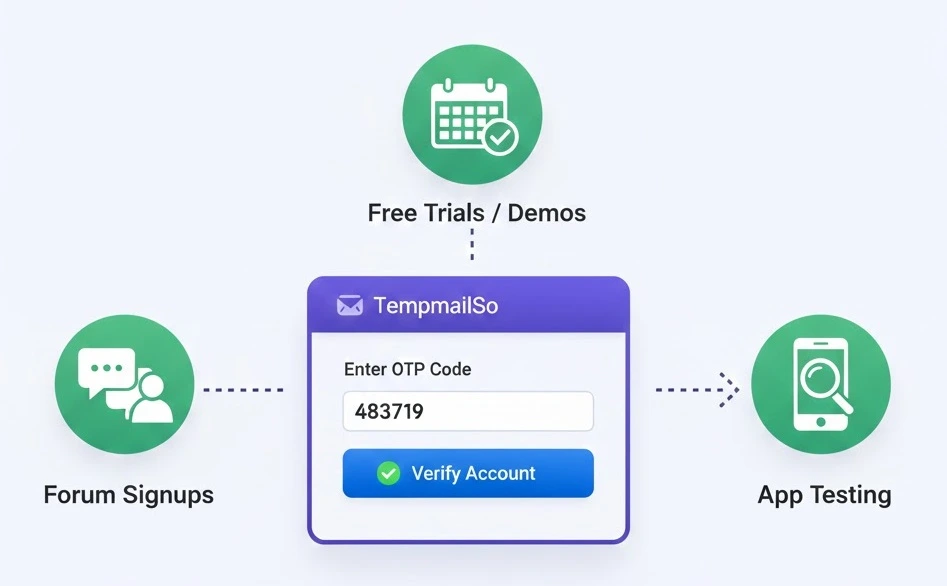
Using a disposable inbox for OTP verification is generally safe in these situations:
- Forum or community signups
- Free trials or demo accounts
- Newsletter or content access
- Testing and QA environments
In these cases, the OTP is only needed once to complete the signup, and losing access later does not cause serious problems.
When temporary inbox does NOT work for OTP verification
There are important situations where using a temporary inbox for OTP verification is unsafe.
- Banking or financial services
- Crypto exchanges or wallets
- Work or business accounts
- Accounts that require future password recovery
- Any service tied to personal or sensitive data
In these cases, OTP emails may be required again later. If messages are deleted or the inbox is lost, account recovery may be impossible.
This limitation is closely related to whether temporary email is safe for a specific use case.
How inbox lifespan affects OTP reliability
OTP emails are usually sent quickly, but not always instantly. Some systems delay messages or resend codes later.
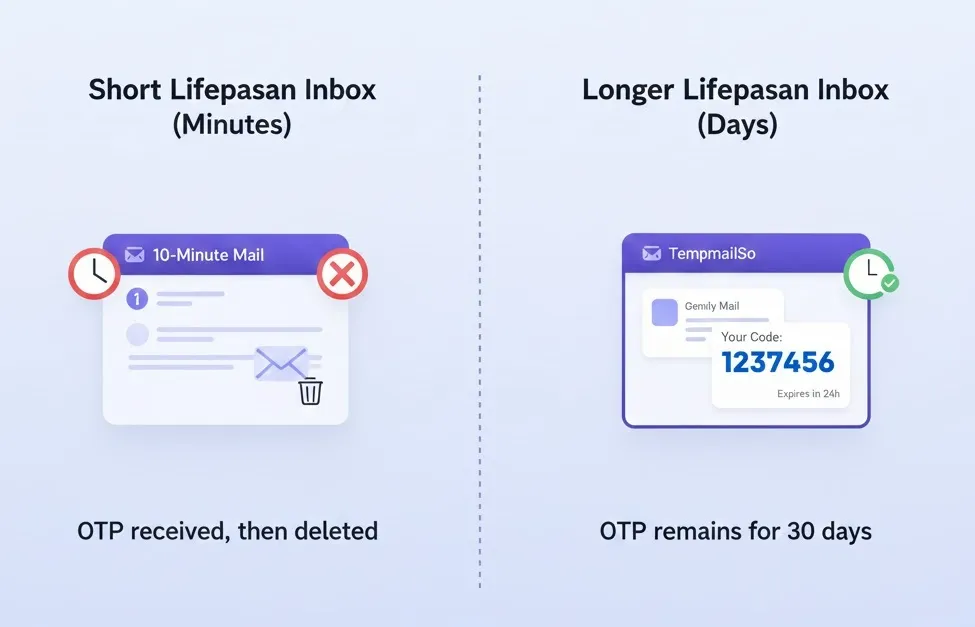
Short-lived inboxes, such as 10 minute mail, may expire before the OTP arrives. Longer lifespan inboxes reduce this risk by keeping messages available longer.
This difference is explained in detail when comparing how long a temporary email lasts.
Reusing a temporary inbox for OTP
Some services allow a temporary inbox to be reused by entering the same email address again. The inbox remains accessible, but older messages may have been deleted.
On TempmailSo, inboxes can be reused, while all messages are deleted after 30 days. This means the inbox address may still work, but previous OTP emails may no longer exist.
This is useful for short-term reuse, but it should not be relied on for critical recovery.
Accessing OTP emails on another device
The temporary email steps for OTP verification cover copying an address, receiving a code, and opening the same inbox safely on another device.
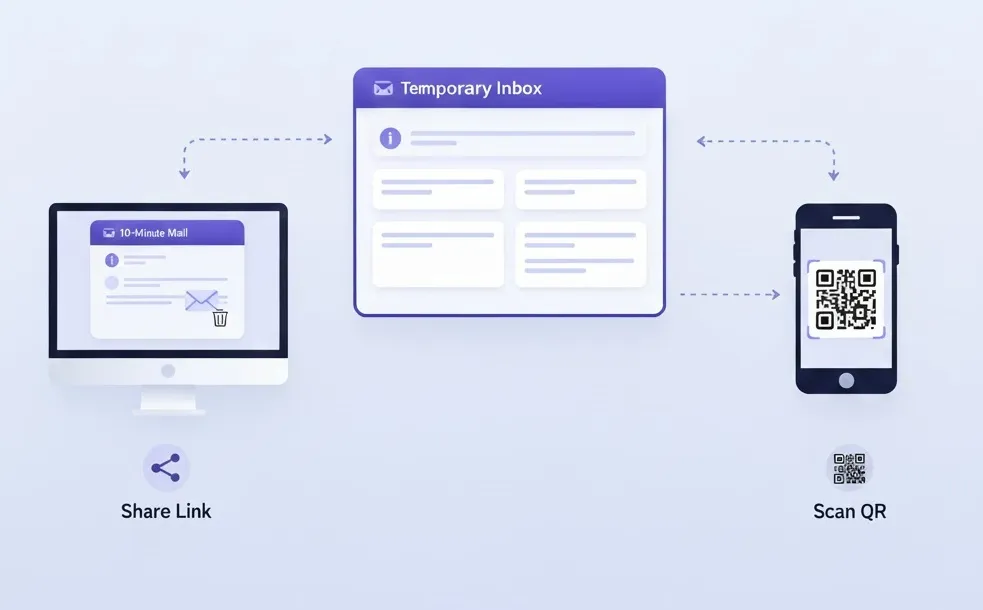
OTP verification often happens while switching between devices. For example, you may register on a desktop and check email on a phone.
TempmailSo supports inbox access via a share link or QR code. This allows the same temporary inbox to be opened on another device without logging in.
- Useful for cross-device verification
- No account or password required
- Anyone with the link can access the inbox
Because of shared access, this feature should only be used for low-risk OTP verification.
Best practices for OTP verification with temp mail
Follow these practices to reduce risk when using a temporary inbox for OTP verification:
- Use disposable email only for low-risk accounts
- Complete verification as soon as the OTP arrives
- Do not rely on temp mail for account recovery
- Avoid sharing inbox links publicly
- Expect messages to be deleted automatically
Frequently asked questions
Can OTP emails be recovered later?
No. Once messages are deleted, OTP emails cannot be recovered.
Is email OTP safer than SMS OTP?
Both methods have risks. Email OTP depends on inbox security, while SMS OTP depends on phone number control.
Why do some sites block disposable email for OTP?
Some services block temporary email domains to reduce fake accounts or abuse.
Can I use temporary inbox for password reset OTP?
This is not recommended. Password reset OTPs are sensitive and may be needed again.
Conclusion
A temporary inbox can work for OTP verification when the account is low risk and short term. It helps protect privacy and reduce spam during quick signups.
For anything important, long-term, or sensitive, a regular email inbox remains the safer choice. The acceptable use and limitations of disposable email are outlined in the Disclaimer.