
Top Simple Tools Make Daily Online Work Easier in 2026
Daily online work is full of tiny repeat tasks: typing the same replies, saving links you will forget, protecting your inbox from spam, and switching devices to finish verification. Here are 5 simple tools that many people still have not heard about in 2026, with clear features and practical daily use.
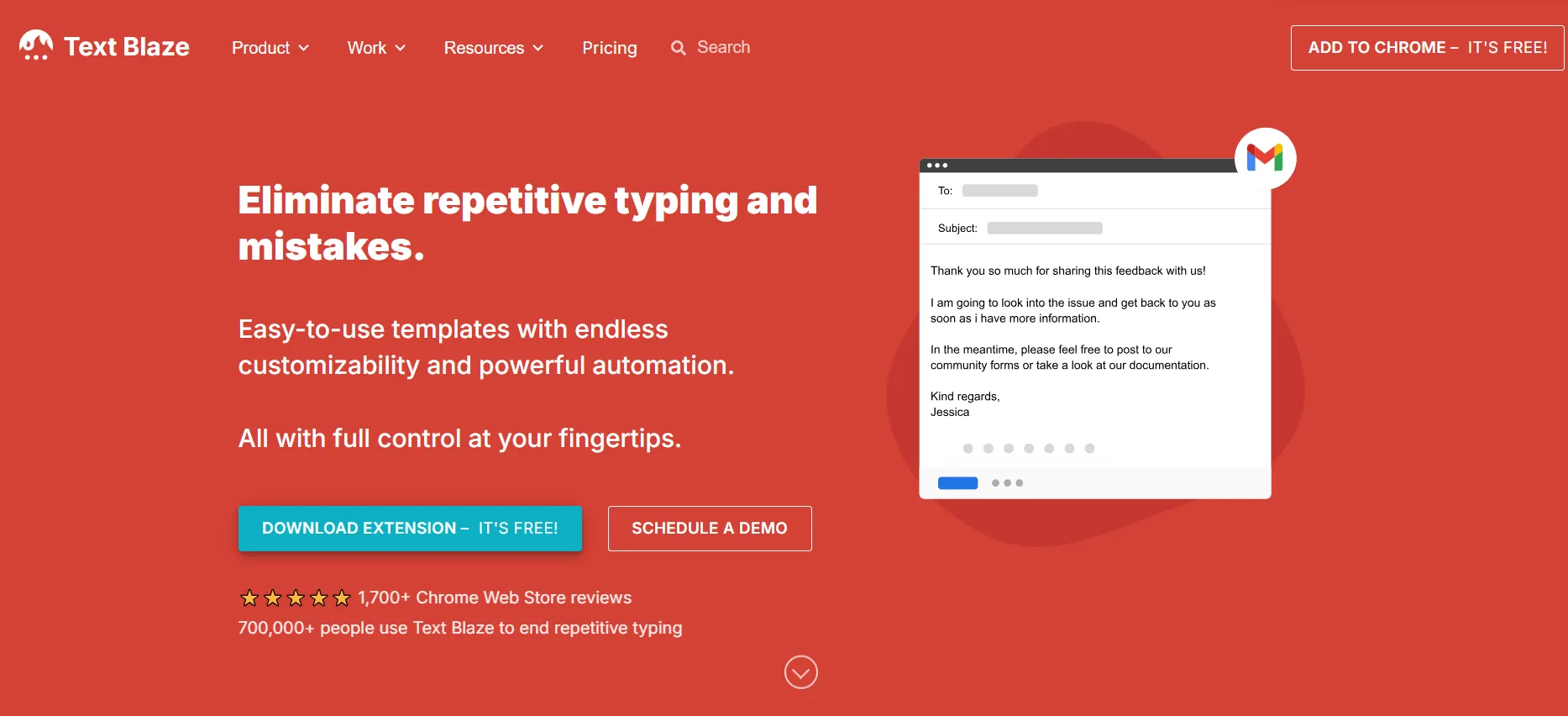
1) Text Blaze (Chrome snippets and smart templates)
Best for: support teams, sales, freelancers, anyone who repeats messages daily.
- Type a short shortcut and expand it into full replies, templates, or checklists
- Dynamic templates with forms and logic so your responses stay consistent
- Works across websites and apps in your browser, perfect for email, chat, CRM
Why it helps daily: your replies become faster and more consistent, without copy-paste errors.
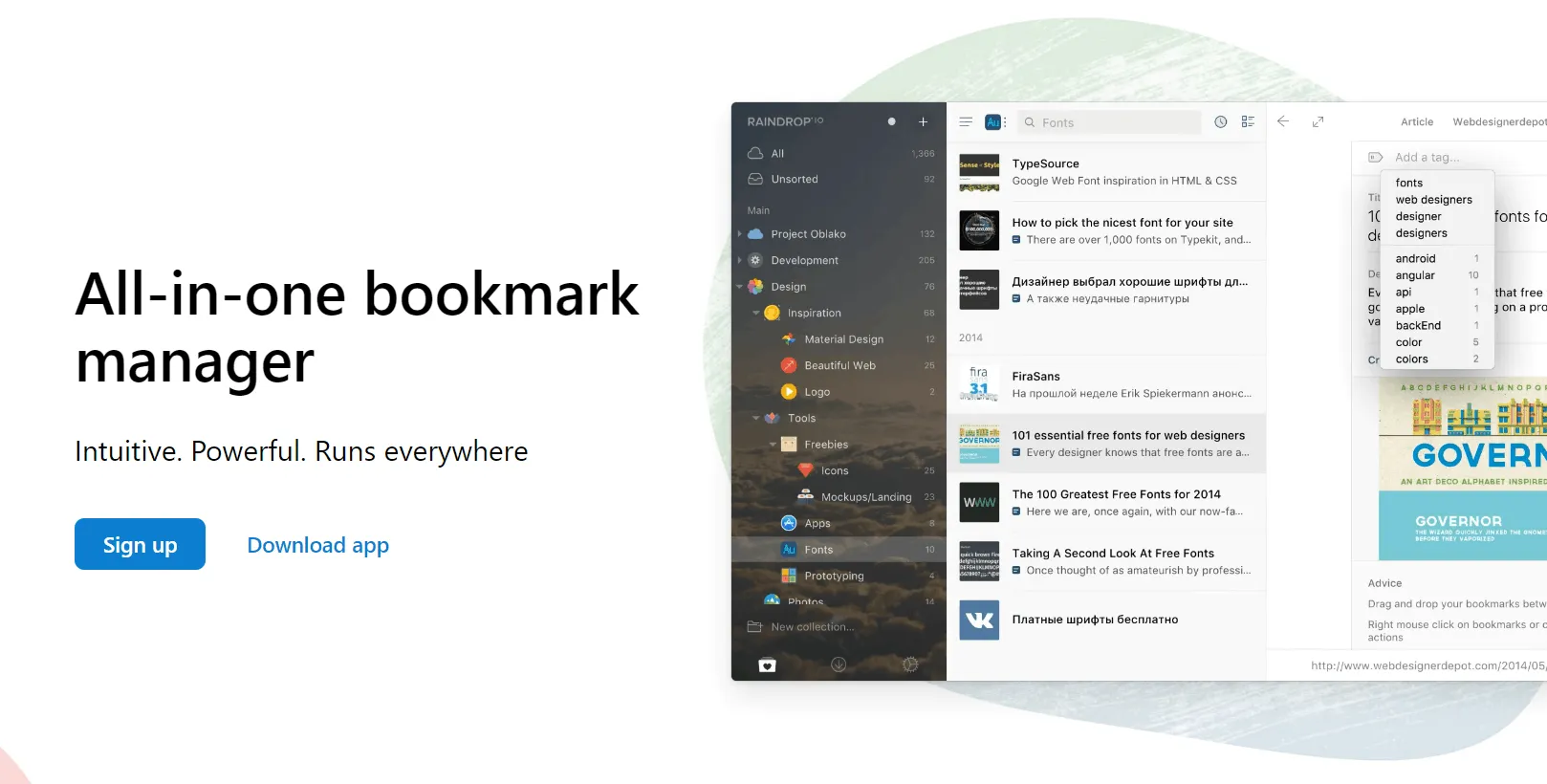
2) Raindrop.io (bookmark manager with highlights)
Best for: researchers, marketers, creators, students, anyone who saves links daily.
- Save and organize bookmarks into collections
- Highlight important parts of pages so you can return to key lines fast
- Optional saved copies of pages so references are not lost when links change
Why it helps daily: saved links stop becoming a messy browser graveyard, and highlights make knowledge reusable.
3) Raycast (instant launcher and daily workflow shortcuts)
Best for: professionals, developers, freelancers, and anyone who wants faster daily workflows.
- Instantly launch apps, files, and websites with a keyboard shortcut
- Built-in tools for calculations, reminders, clipboard history, and notes
- Extensions for tasks like GitHub search, calendar control, and system actions
Why it helps daily: instead of clicking through menus or browser tabs, common actions happen in seconds, which adds up quickly during a full workday.

4) Claude Cowork (agentic AI for routine office tasks)
Best for: busy office workers and teams that want AI help with repetitive information work.
- Helps with everyday office tasks beyond chat
- Can be granted access to a specific folder to assist with work inside that scope
- Useful for summarizing, organizing, and turning messy notes into clean outputs
Why it helps daily: it reduces time spent on cleanup work and repetitive documentation, as long as privacy boundaries are kept clear.
5) TempmailSo (disposable inbox for quick signups and verification)
Best for: daily signups, quick tool testing, and avoiding inbox clutter.
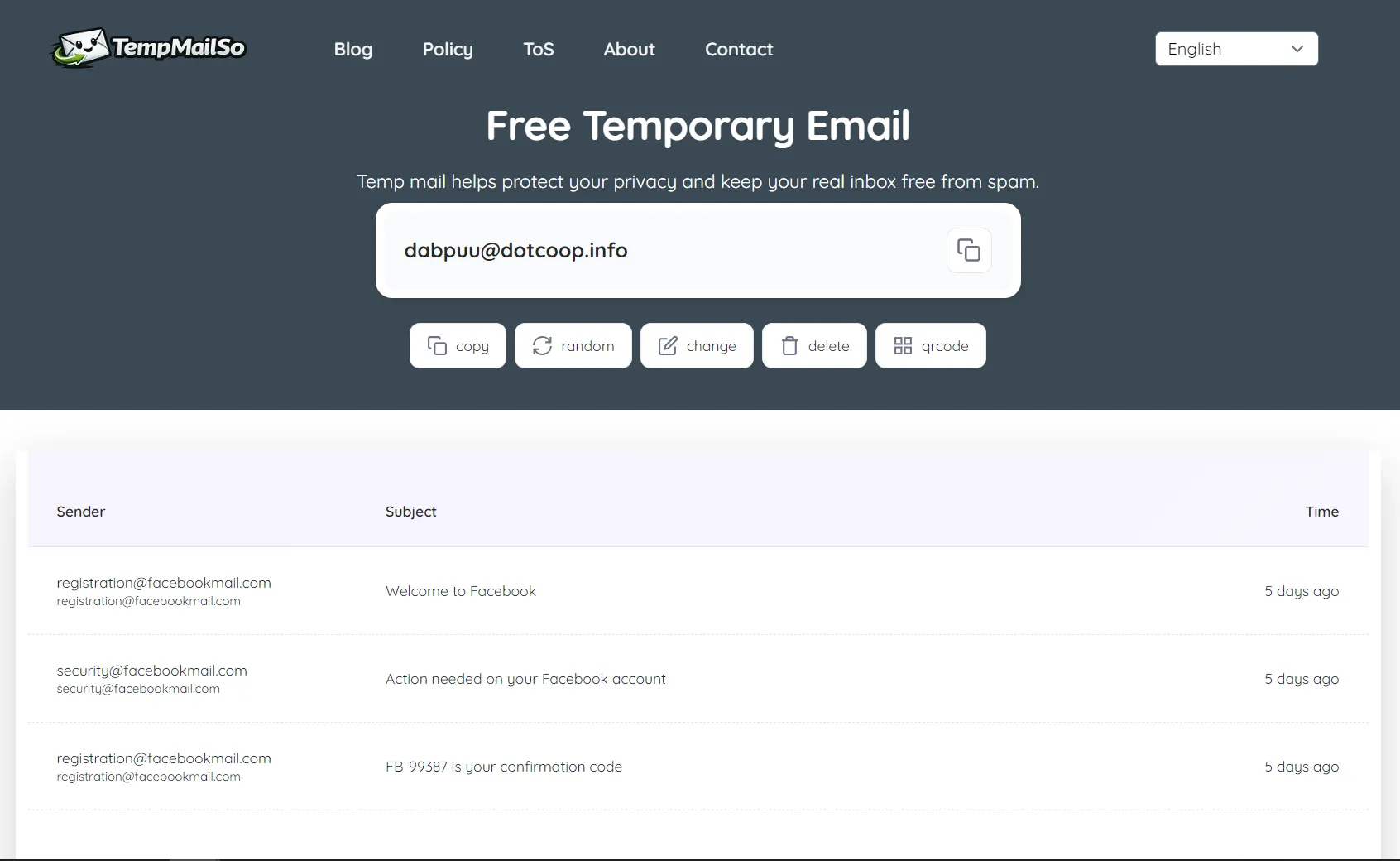
- Free disposable email inbox for verification emails and short-term accounts
- No ads, clean interface, and security-focused positioning
- Receive-only model (common for temporary email), and no attachments
- Messages are deleted after 30 days for privacy
- Share inbox access via link or QR code to open the same inbox on another device
Why it helps daily: you can register on websites without giving out your personal email, handle online registrations safely, and still access verification emails across devices when needed. Clear usage limits are explained in our guide on whether temporary email is safe.
Quick comparison summary
- Fast typing and replies: Text Blaze
- Save and reuse web knowledge: Raindrop.io
- Instant daily shortcuts: Raycast
- AI help for routine office work: Claude Cowork
- Quick signups without spam: TempmailSo
Frequently Asked Questions (FAQ)
What are the most useful online tools for daily work in 2026?
The most useful online tools in 2026 focus on speed, privacy, and automation. These include temporary email services, AI assistants for writing and research, lightweight design tools, browser-based productivity utilities, and no-signup collaboration platforms. The best tools help users complete daily online tasks faster without complex setup.
Why do professionals use temporary email tools for daily tasks?
Professionals such as developers, marketers, QA engineers, and freelancers use temporary email tools to avoid spam, test SaaS platforms, access gated content, and create accounts without exposing their personal inbox. Modern temporary email tools now support longer inbox lifespan, multi-device access, and QR-code sharing, making them suitable for real daily work.
Are these online tools safe to use worldwide?
Yes. Most modern online tools are cloud-based and accessible globally, working reliably in North America, Europe, and Asia. For better security, users should choose browser-based tools that do not require downloads, use HTTPS encryption, and clearly explain how data is handled.
Can these tools replace traditional desktop software?
In many cases, yes. In 2026, web-based tools can replace desktop software for email testing, content creation, quick design tasks, note-taking, and lightweight project management. They are easier to access, work across devices, and require no installation or maintenance.
Who benefits the most from these simple online tools?
These tools are especially useful for developers, QA testers, marketers, SEO specialists, sales teams, AI builders, remote workers, and freelancers. Anyone who works online daily can benefit from tools that reduce friction, save time, and improve productivity.
Do I need to pay to use these tools?
Most tools mentioned in this article offer free plans that are sufficient for daily use. Paid plans usually provide longer usage duration, higher limits, or advanced automation features. For most users, the free versions are enough to get started immediately.
How do I choose the right tool for my workflow?
Choose tools that work instantly, require no signup, support multiple devices, integrate well with your browser, and respect user privacy. Start with one simple tool, use it in your daily workflow, and add more only when necessary.