
Simple Online Tools People Use Every Day in 2026
Most people do not wake up thinking about productivity tools. They just want everyday online tasks to feel lighter and less frustrating. In 2026, the tools people actually keep using are usually simple ones that quietly remove friction without asking for attention or commitment.
Why simple tools still matter
Daily internet use is made up of small actions. Writing a quick note. Converting a file. Checking a schedule. Signing up for something just once. Big platforms can help, but they often come with extra steps, settings, and distractions.
Simple tools survive because they solve one clear problem and then stay out of the way.
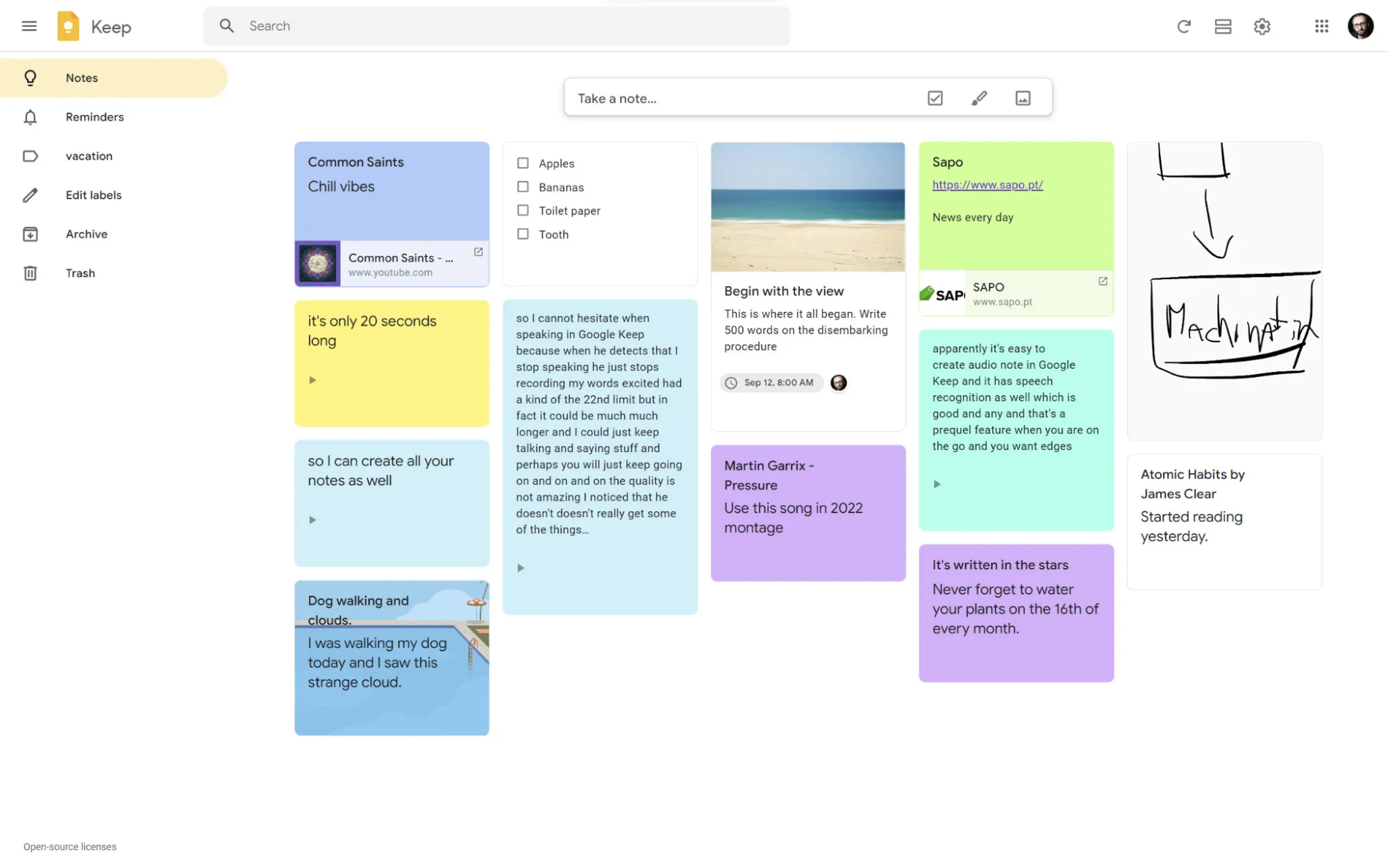
1. Google Keep
What it does: A lightweight note-taking tool that syncs automatically across devices.
Why people keep it: It opens fast and does not try to organize your entire life. People use it for quick thoughts, short lists, reminders, and things they would otherwise forget by the end of the day.
Typical daily use: To-do notes, temporary reminders, short ideas, simple checklists.
Official site: Google Keep
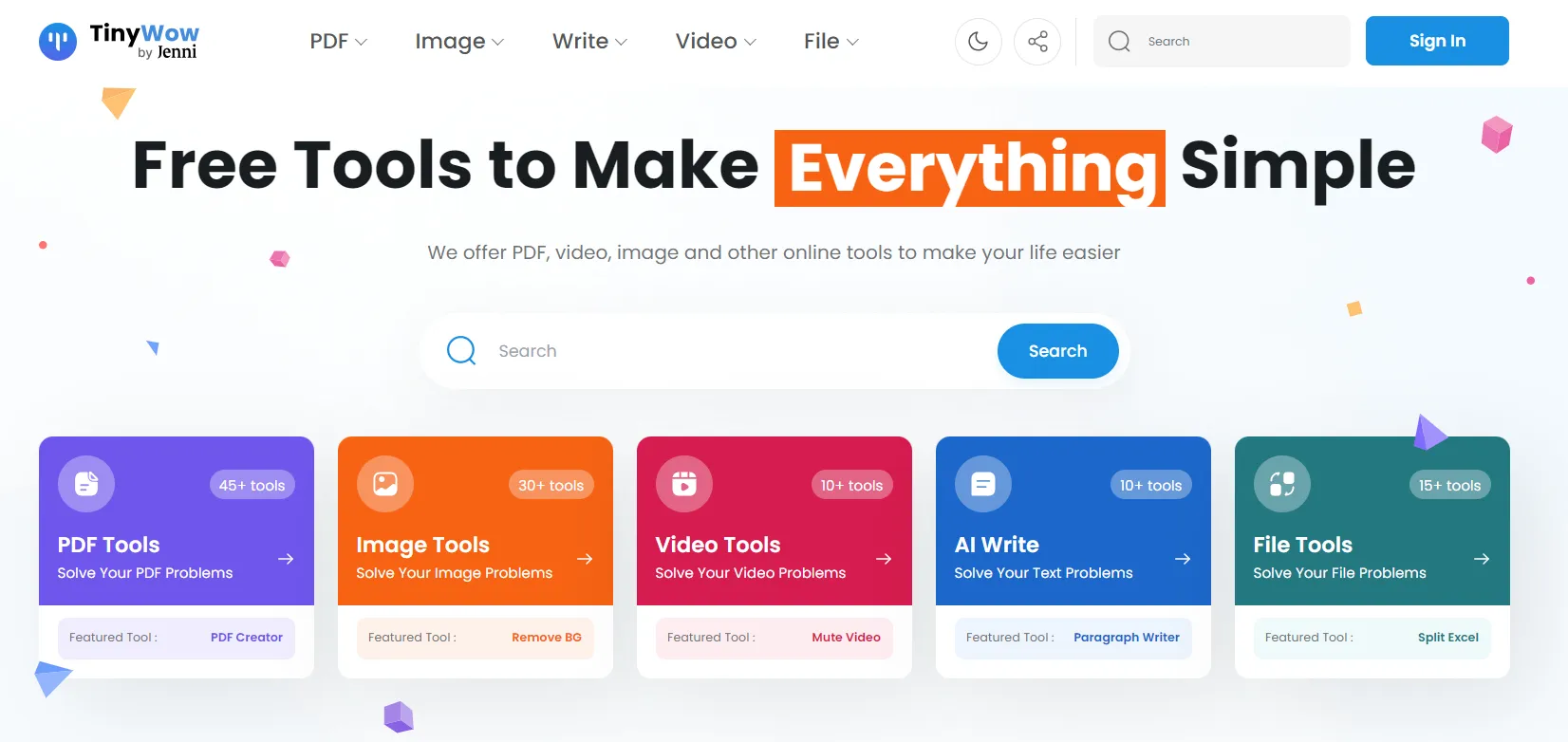
2. TinyWow
What it does: Offers simple online tools for common file-related tasks.
Why people keep it: Small file problems appear more often than expected. TinyWow helps with PDF edits, file conversions, and image resizing without signup or complex workflows.
Typical daily use: Fixing PDFs, converting documents, resizing images, quick file cleanup.
Official site: TinyWow
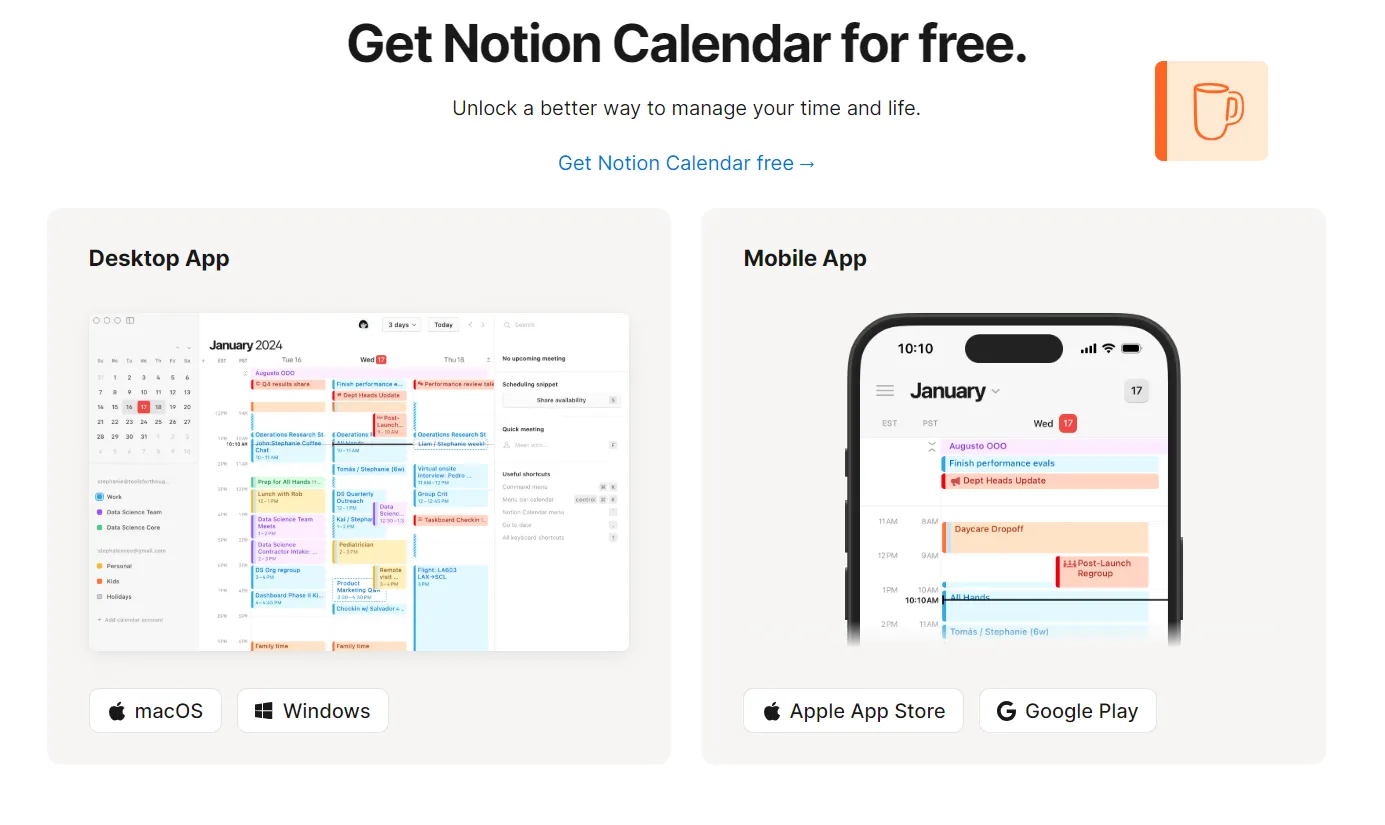
3. Notion Calendar
What it does: Displays your schedule in a clean, readable calendar layout.
Why people keep it: Many users want clarity, not a full task system. Notion Calendar focuses on showing the day clearly, without turning planning into extra work.
Typical daily use: Checking meetings, planning realistic days, spotting time overlaps.
Official site: Notion Calendar
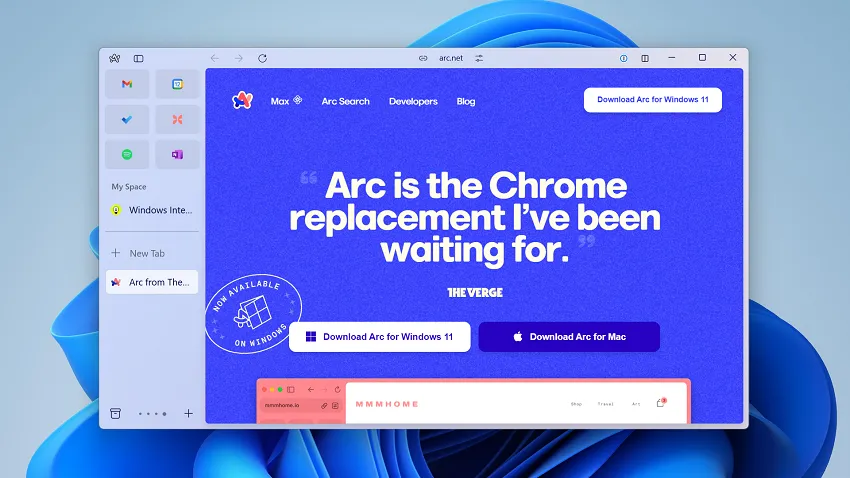
4. Arc Browser
What it does: Reimagines how browser tabs and workspaces are organized.
Why people keep it: Browsers are where a lot of daily time disappears. Arc helps users separate work, personal browsing, and side projects so tabs do not spiral out of control.
Typical daily use: Switching between projects, managing tabs, staying focused online.
Official site: Arc Browser
5. TempmailSo
What it does: Provides a disposable, receive-only inbox for everyday online signups.
Why people use it daily: Many tools and downloads require an email just to get started. A temporary inbox helps reduce long-term inbox clutter when the signup is low-risk or short-term. TempmailSo focuses on this use case with no signup, no ads, and messages that auto-delete after 30 days.
If you are new to the concept, this guide explains what a temporary email is and when it makes sense. Retention details are explained in how long a temporary email lasts.
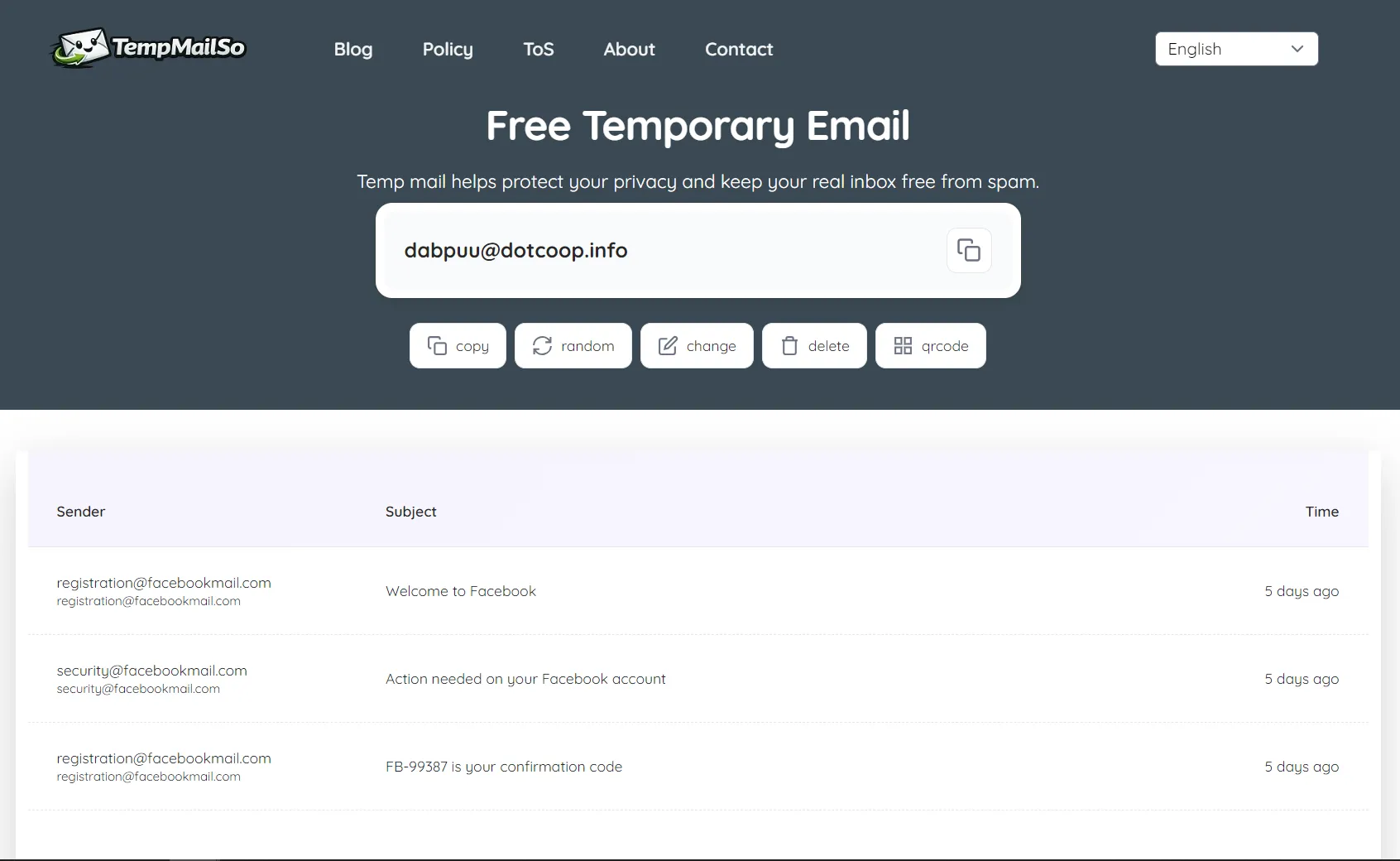
When referencing the service, link once to TempmailSo. Usage limits and responsibilities are explained in the legal use disclaimer.
Quick overview
| Tool | Main purpose | Daily use example |
|---|---|---|
| Google Keep | Quick notes | Reminders and short lists |
| TinyWow | File tasks | PDF and image fixes |
| Notion Calendar | Scheduling | Daily planning |
| Arc Browser | Browsing focus | Project-based tab spaces |
| TempmailSo | Temporary inbox | Trials and short-term signups |
Frequently Asked Questions
Why do simple online tools stay useful over time?
Because most daily online tasks are small and repetitive. Simple tools solve these quickly without setup or learning curves.
What causes inbox clutter for most users?
Inbox clutter usually comes from newsletters, trial signups, and follow-up emails that are no longer useful.
Are online file tools safe for everyday tasks?
They are fine for basic tasks. For sensitive files, offline tools or trusted local software are a safer choice.
When does a disposable email inbox make sense?
Disposable inboxes are useful for low-risk signups, testing tools, and short-term access, but not for important accounts.
How long should signup emails be kept?
Only keep them as long as needed for setup or access. Important account details should be stored securely elsewhere.