
Simple Tools Marketers Use for Research, Content 2026
Marketing work in 2026 is not only about big platforms. A lot of the real progress comes from small tools you open every day for research, content cleanup, and quick testing. Nothing magical, just fewer wasted steps and fewer “where did I save that?” moments.
Why marketers lean on small tools
Most marketing tasks repeat. You check what people are curious about, shape a piece of content, publish it in different formats, and test what works. The tools that stick are usually the ones that are quick, easy to learn, and do not turn every task into a project.
1. Google Trends
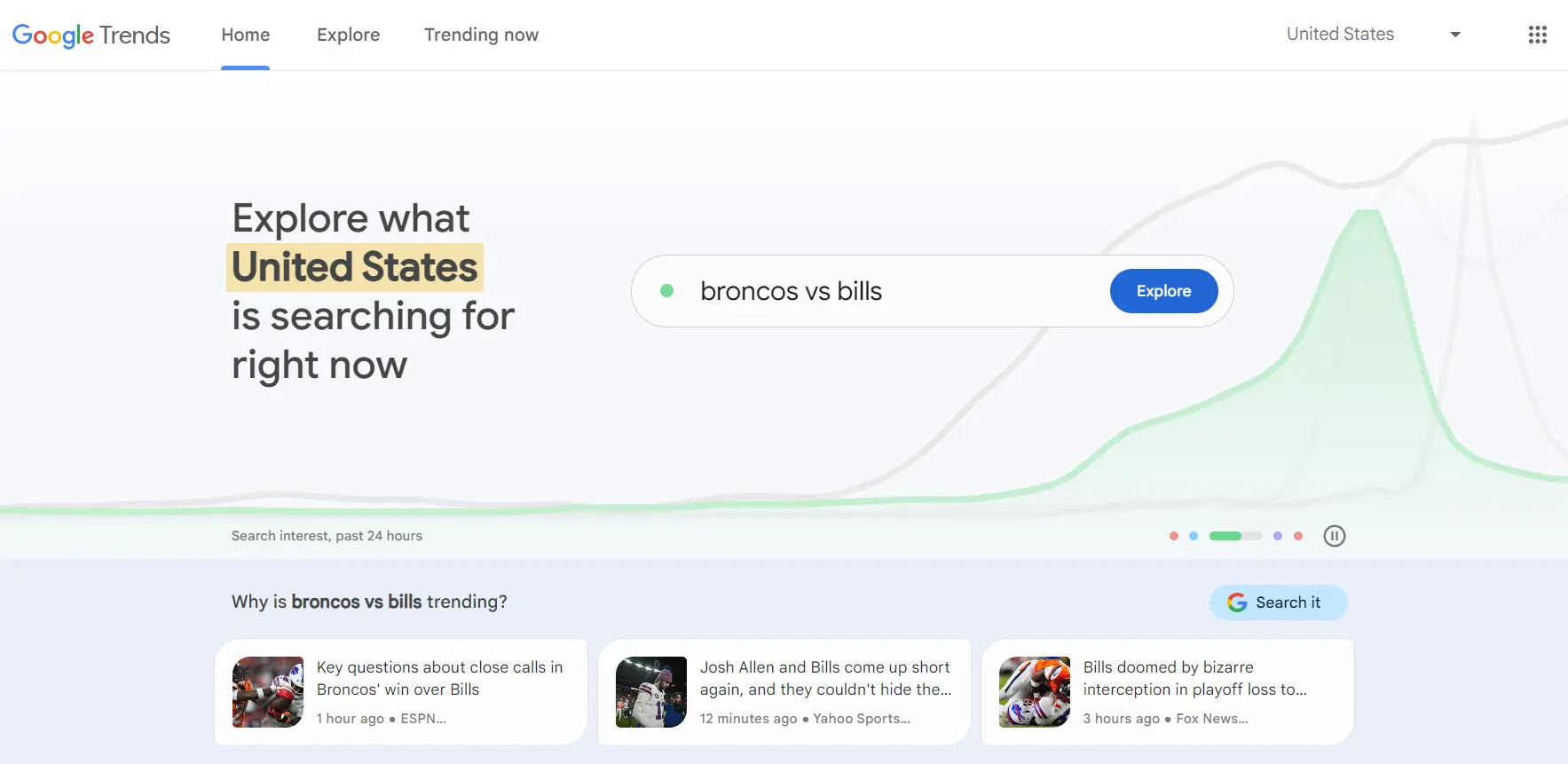
What it does: Helps you spot what topics are gaining interest and how search demand changes over time.
Why marketers keep it: It is a fast way to sanity-check an idea before you invest time writing or designing. Sometimes you realize the topic peaked months ago. Sometimes you see a regional spike you did not expect. It is not perfect, but it is useful.
Typical daily use: Comparing two topic angles, checking seasonality, finding related queries to inspire headlines.
Official site: Google Trends
2. AlsoAsked
What it does: Pulls “People Also Ask” style questions so you can see how users commonly expand a topic.
Why marketers keep it: A lot of content fails because it answers the wrong question (or skips the obvious next question). Tools like this make it easier to plan sections, FAQs, and related posts that match real curiosity. It is especially helpful when you want content to be AEO-friendly without forcing it.
Typical daily use: Building article outlines, drafting FAQ questions, finding subtopics for clusters and internal linking.
Official site: AlsoAsked
3. Hemingway Editor
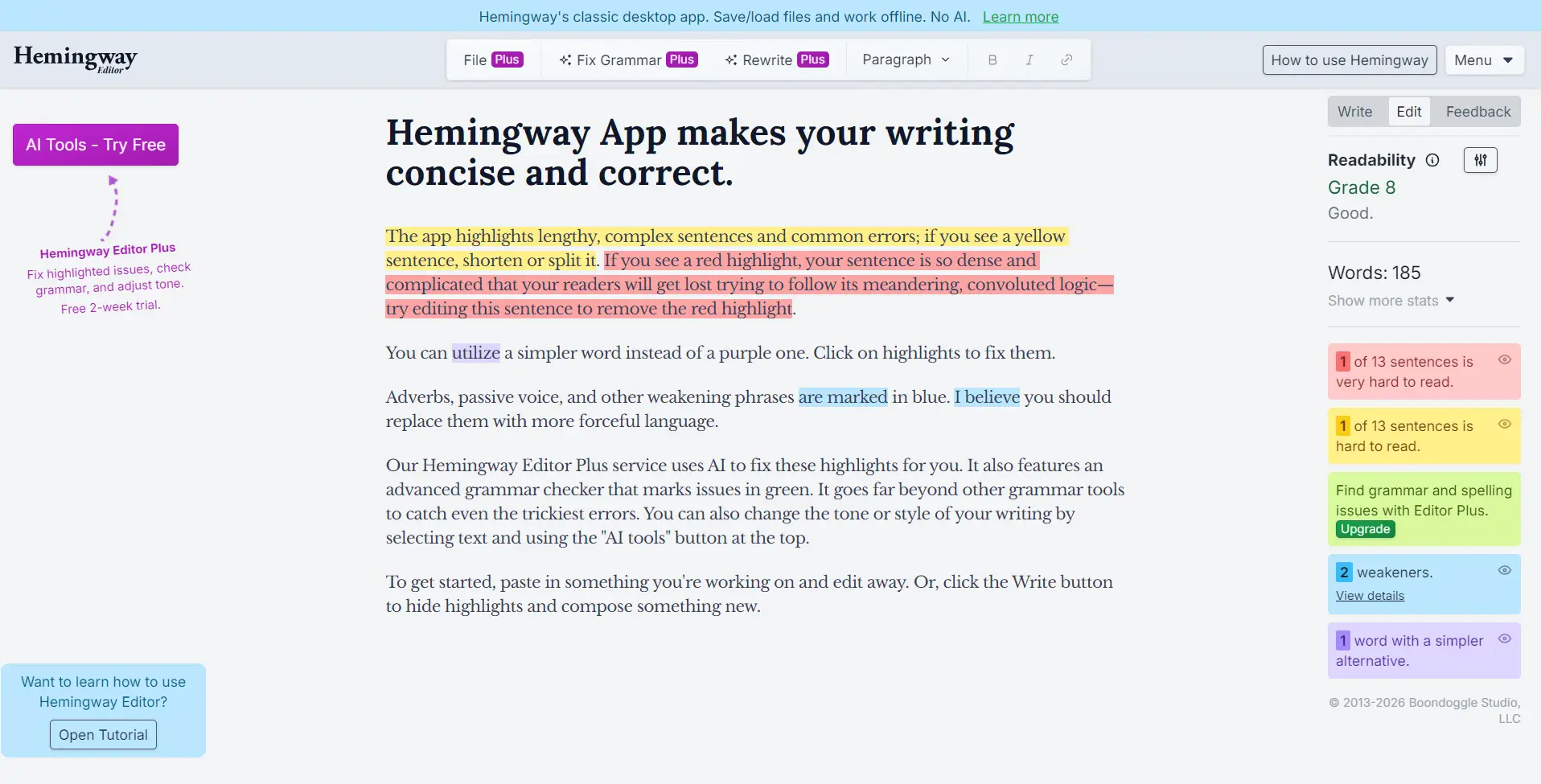
What it does: Highlights readability issues and helps tighten writing when it gets too long or too complex.
Why marketers keep it: Marketing content is often written fast, then edited fast, then shipped. Hemingway is helpful when a paragraph feels “heavy” but you cannot explain why. It nudges you toward clearer sentences. Not every brand voice should be super simple, but clarity usually wins.
Typical daily use: Cleaning intros, simplifying long sentences, making landing page copy easier to scan.
Official site: Hemingway Editor
4. Canva Magic Resize
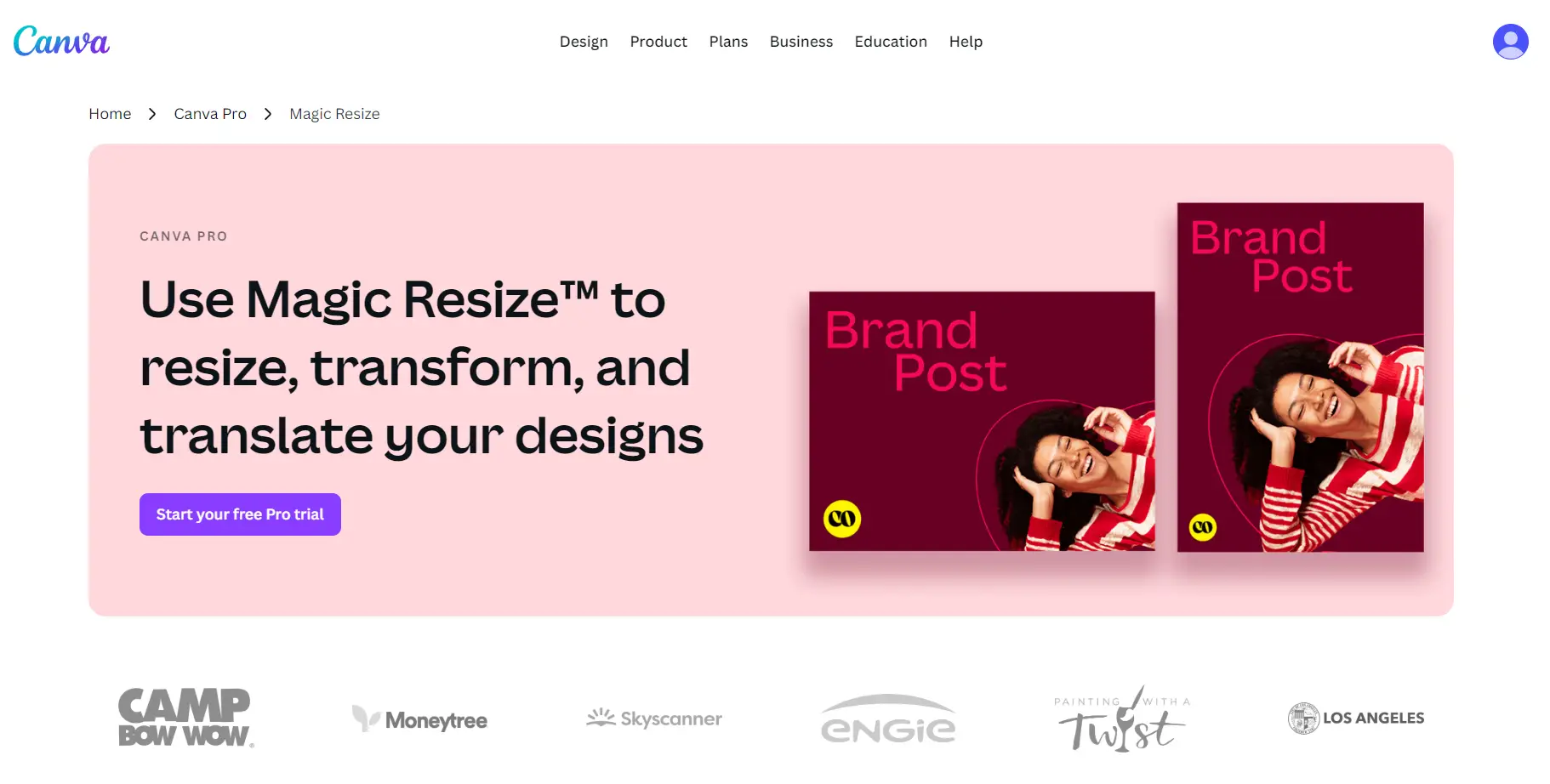
What it does: Helps adapt one design into multiple formats (social sizes, different layouts) without rebuilding from scratch.
Why marketers keep it: Most campaigns need the same message in different shapes: a post, a story, a banner, maybe a thumbnail. Resizing is the part nobody enjoys. This makes repurposing faster, especially for “good enough, ship it” assets.
Typical daily use: Turning one creative into multiple channel formats, resizing graphics for posts and email headers.
Official page: Canva Magic Resize
5. TempmailSo
What it does: Provides a disposable, receive-only inbox for everyday signups and short-term testing.
Why marketers use it for testing: Marketing work involves tools, trials, sandboxes, and platforms you may never use again. A temporary inbox can reduce long-term inbox clutter when the signup is low-risk or short-term. TempmailSo keeps the workflow simple with no signup, no ads, and messages that auto-delete after 30 days.
If the idea is new, here is a simple explanation of what a temporary email is. For marketing-specific use cases (like registrations, trials, gated content), this guide on burner email for online registration is a practical starting point.
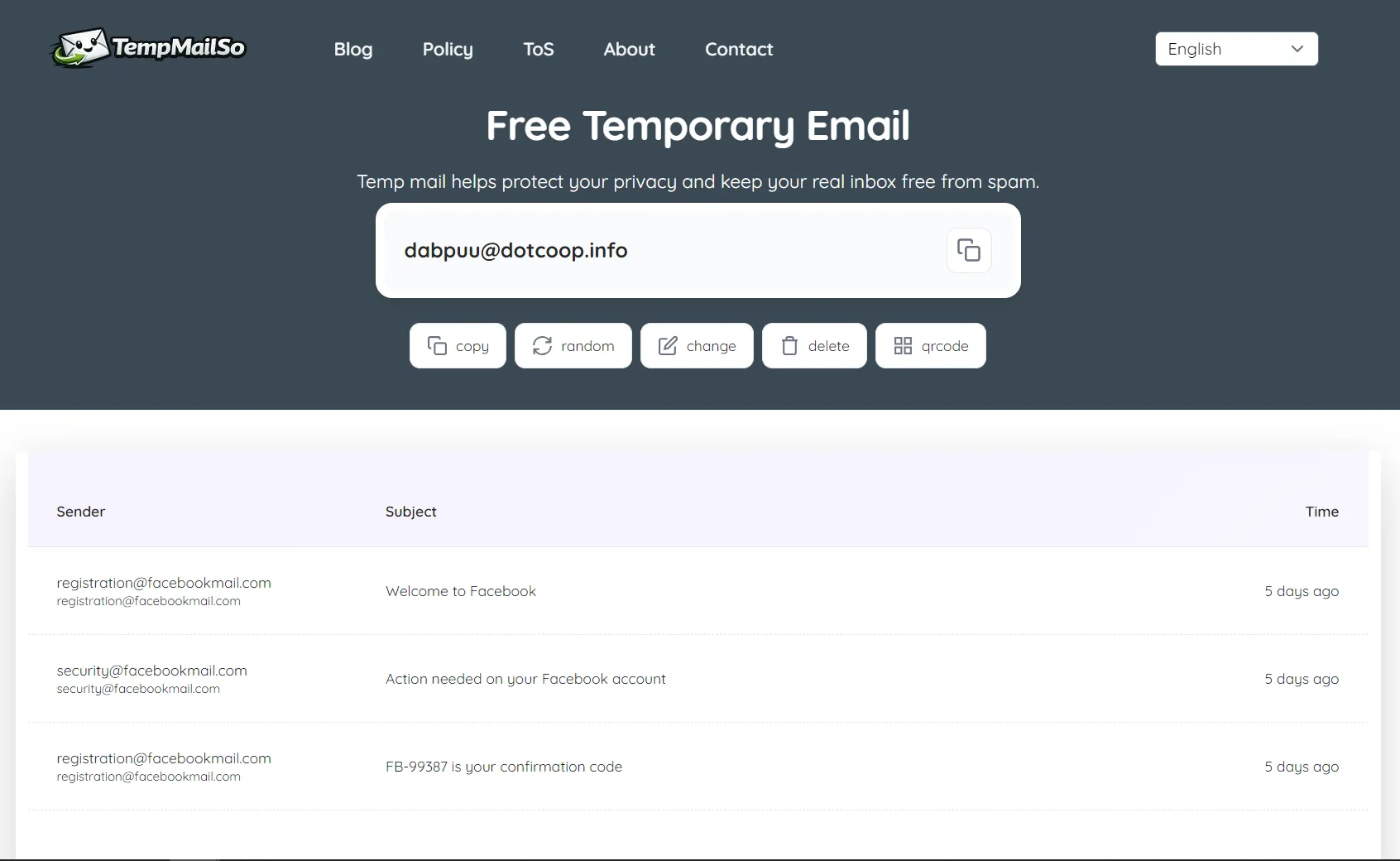
When you mention the service, link once to TempmailSo and keep expectations clear. Some platforms may require additional verification or may not accept all domains, so treat temporary inboxes as a testing helper, not a universal solution.
Quick overview
| Tool | Best for | Typical marketing use |
|---|---|---|
| Google Trends | Demand signals | Topic validation, seasonality checks |
| AlsoAsked | Question research | Outlines, FAQs, content clusters |
| Hemingway Editor | Clarity | Readable copy, tighter intros |
| Canva Magic Resize | Repurposing | Multi-format creative quickly |
| TempmailSo | Testing signups | Trials and short-term access |
A quick note about responsible testing
Testing tools and platforms is normal marketing work. Still, it helps to keep boundaries: use temporary inboxes for low-risk trials and non-sensitive signups, and use a permanent email for accounts you cannot afford to lose. Boring advice, yes, but it prevents headaches later.
Frequently Asked Questions
How do marketers choose topics that are worth writing about in 2026?
They usually combine search interest signals, real customer questions, and what competitors are missing. Tools like trend charts and question research can help validate an idea before spending time on a full article.
Why do some articles rank but still feel like they do not help readers?
Sometimes the content matches keywords but not intent. Readers have follow-up questions that are not answered. Adding clear sections and FAQs based on real queries often improves usefulness and engagement.
What is the simplest way to make marketing content easier to scan?
Shorter paragraphs, clearer headings, and fewer complicated sentences. Readability tools can help, but even basic edits like removing filler words can make a big difference.
Do marketers really need multiple design formats for one campaign?
Usually yes. Different channels need different sizes and layouts. Resizing and repurposing tools help maintain consistency without rebuilding every asset from scratch.
When is a temporary inbox useful for marketing testing?
It is useful for low-risk trials, short-term registrations, and tool testing where you do not want long-term inbox clutter. It is not recommended for important or sensitive accounts, and some platforms may require extra verification.